A regular business presentation usually goes from the first slide to the last slide in a sequential flow. During the display of the slides, the presenter elaborate on the content of each slide being shown on the projection screen. However, the situation might be a little different if it were to be an activity based type of presentation. Maybe in a training session or a planned discussion where a fixed time is allocated for discussion.
Fortunately, the clock in PowerPoint and Keynote softwares are accurate based on real time. We can quite easily build a timer for the purpose of keeping time using the animation feature in PowerPoint and Keynote. The timer can be horizontal, vertical, or circular in their appearance.
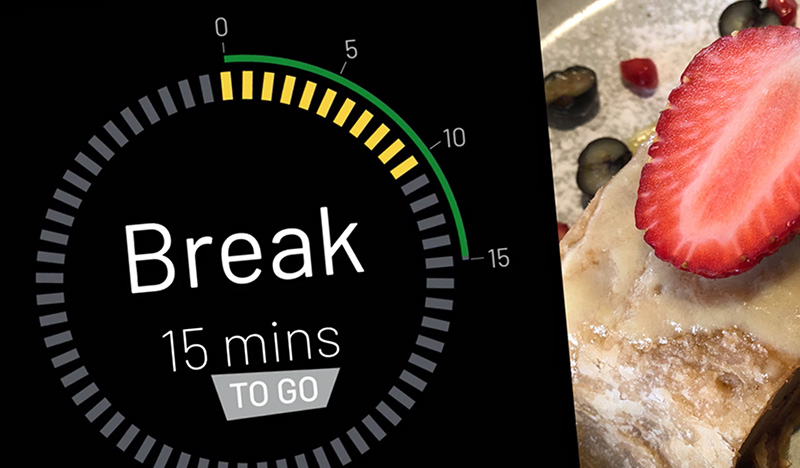
Let’s say, in a training session, you are declaring a 15 minutes coffee break; so as part of your presentation slides, you can create an animation of a clock that counts down from 15 minutes to zero. Some experimentation required if you are new to PowerPoint animation.
To make things easy for all, I have created a 15 minutes circular timer in Keynote and converted it into a video file that can be imported into PowerPoint or Keynote itself for purpose of a coffee break.
Download the PowerPoint or Keynote file with the embedded video timer.


