
After analysing the complex content, you have decided what to keep and what to be removed. You then reduced the complex information further to a couple of keywords that are more focused and easier to understand. What’s next? How can you present your keywords making them exciting?
Something out of the ordinary that you can try is to fan your keywords. Arrange your keywords on the slide in a fan layout. This works most of the time for me when I want to stay away from the bullet point style of PowerPoint template.
You can apply this method in various ways. The samples in this story will give you an idea on where to start.


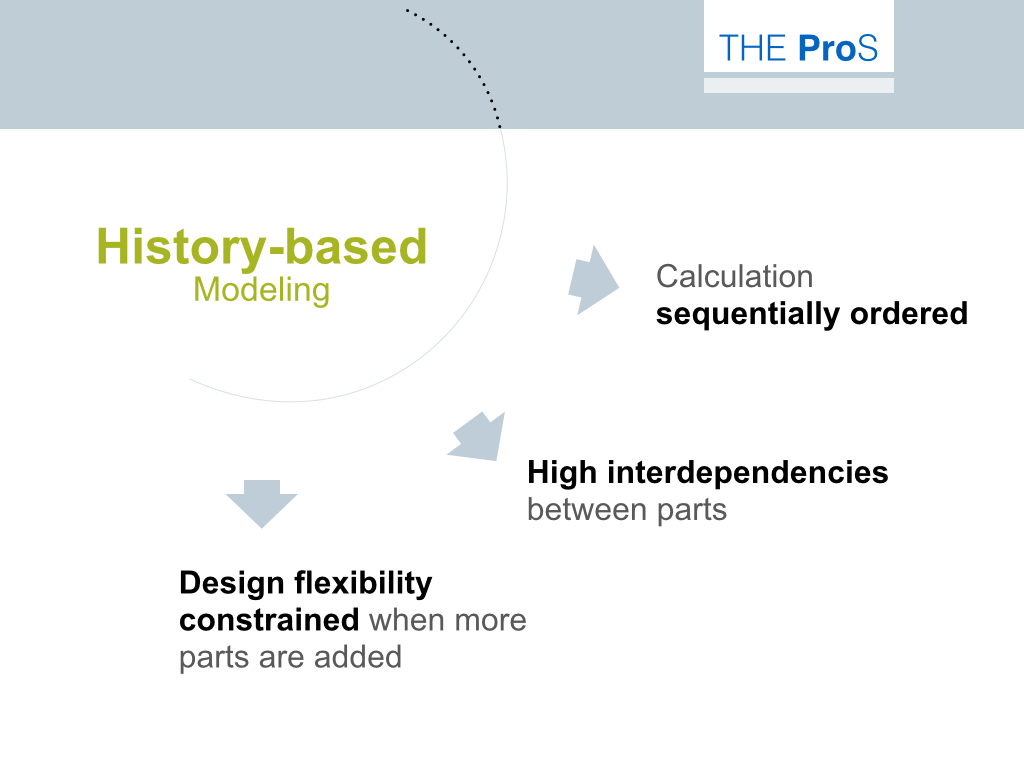
Start with these examples and explore with others.


