Do you sometimes have the feeling that certain visuals that you see seem to look better then the others? But you can't really figure out why are they better or more exciting visually. Could it be the way the words are positioned? Could it be the way the images are positioned?
There are many factors that contribute to the design of an exciting and effective visual. One of those factors is the angle of selected objects used in the visual. A rotation of 5-degree angle is all that is needed to make that difference.
Let's take a look at some examples below.
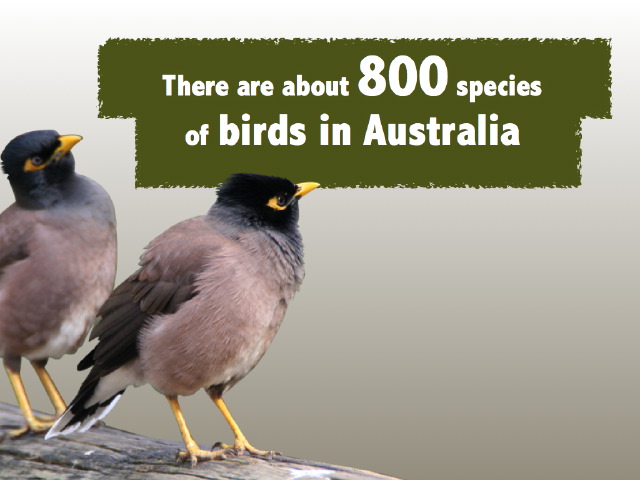
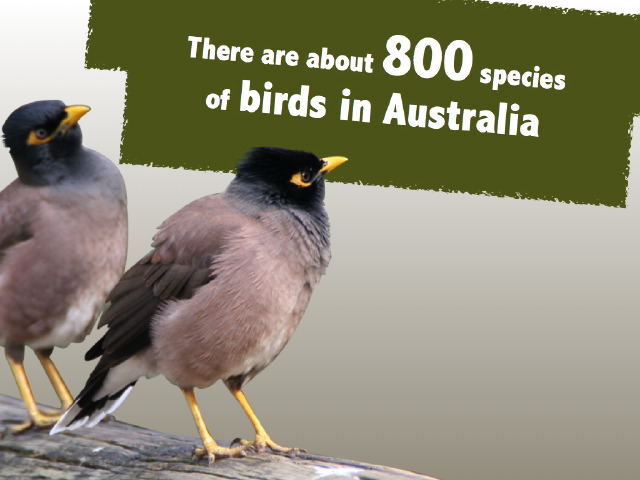
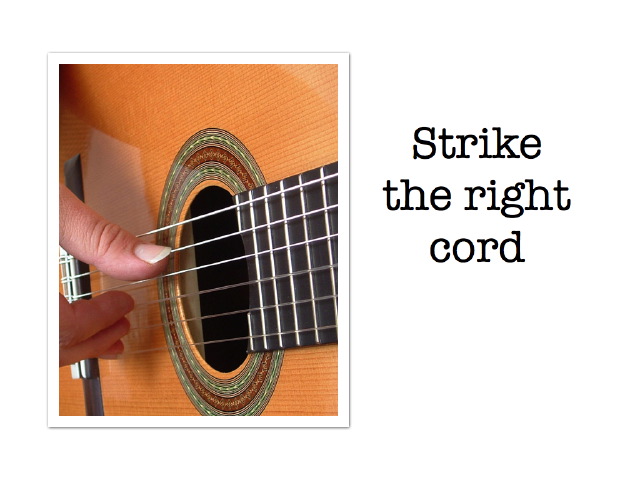
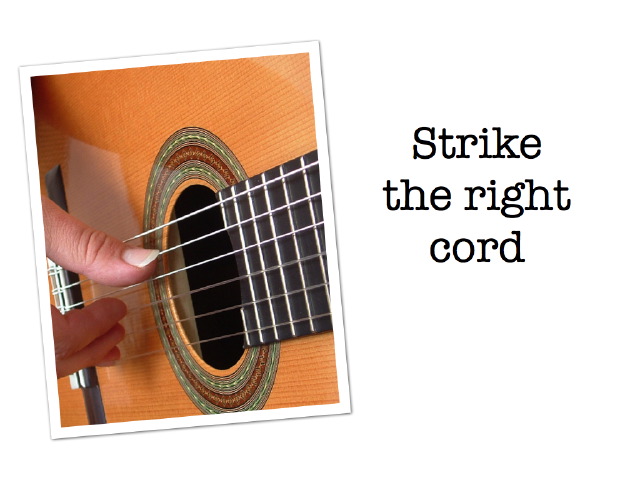




Try out the 5-degree rotation technique the next time you work on your presentation visuals. It is important that you only rotate objects selectively and don't over do it.


