In the first part of the 5-degree rotation (titled 5 Degree Impact) we talked about rotating an image object to create a more exciting overall design for our presentation slides. Today we will use the same technique for the title / main message of our slides.
We can use this technique throughout our presentation deck keeping a consistent design style. In the examples below, I also use color differentiation to create zones to hold information needed for each slide. The combination of these two techniques gives us numerous perspectives in varying our slide design.
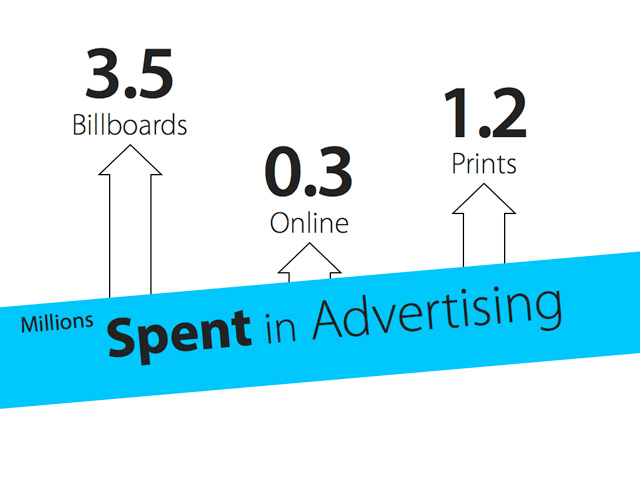


Do you have slides that you may apply this technique? Give it a try and you will see your presentation slides transformed into one that is more exciting.


