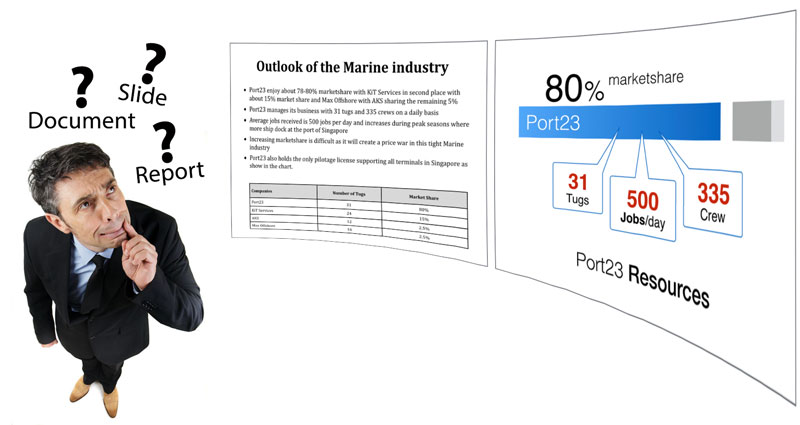
Are your presentation slides really suitable for presentations? Or are they closer to a report or document? Simply creating something in PowerPoint does not automatically make it an effective presentation visual. Lengthy sentences, dense numbers, complex charts and busy diagrams may turn the slide into reading material.
The original principle remains useful: Slides are for SEEing. Reports are for READing. But this does not mean an audience should never read a slide. Short titles, labels, numbers and key statements are perfectly appropriate. A presentation slide should be understood primarily by seeing, with only as much reading as the message requires. The problem begins when the audience has to perform extended reading while also listening to the presenter.
Presentation visual or document?
Information should be designed according to how it will be consumed. A presentation visual supports a presenter who is speaking. A document-style slide or deck is designed to be read independently. Neither format is inherently wrong; they simply perform different jobs.
A detailed PowerPoint deck may be appropriate when it will be emailed, used as a leave-behind or kept as a report or reference document. But when a presenter is standing in front of an audience, the slide should support the spoken message rather than compete with it. The problem is not detail itself. It is using a document-style slide in a situation where people are expected to read detailed content and listen at the same time.
Why too much reading competes with the presenter
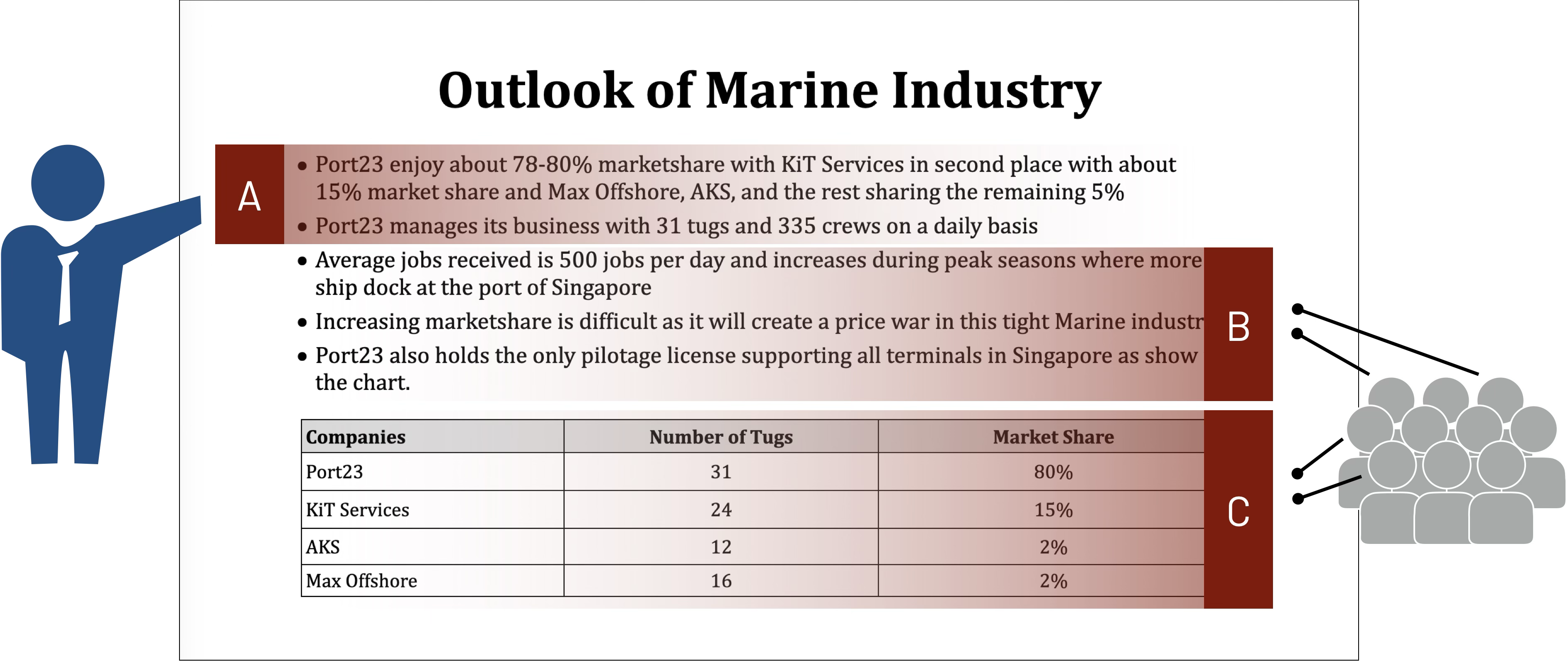
When detailed information is already visible, the audience can choose its own reading sequence. If the presenter is speaking about Point A but the slide already contains detailed Points B and C, some people will start reading ahead. The presenter then loses control over the sequence in which the information is received.
A presentation slide should help direct attention towards the idea being discussed now. This may mean showing only the current point, simplifying the remaining information or revealing later material when it becomes relevant.
From READing to SEEing
Fig. 2 compares two slides created in PowerPoint. The report-style version on the left asks the audience to read complete sentences, interpret several pieces of information, decide what matters and do all of this while also listening to the presenter.
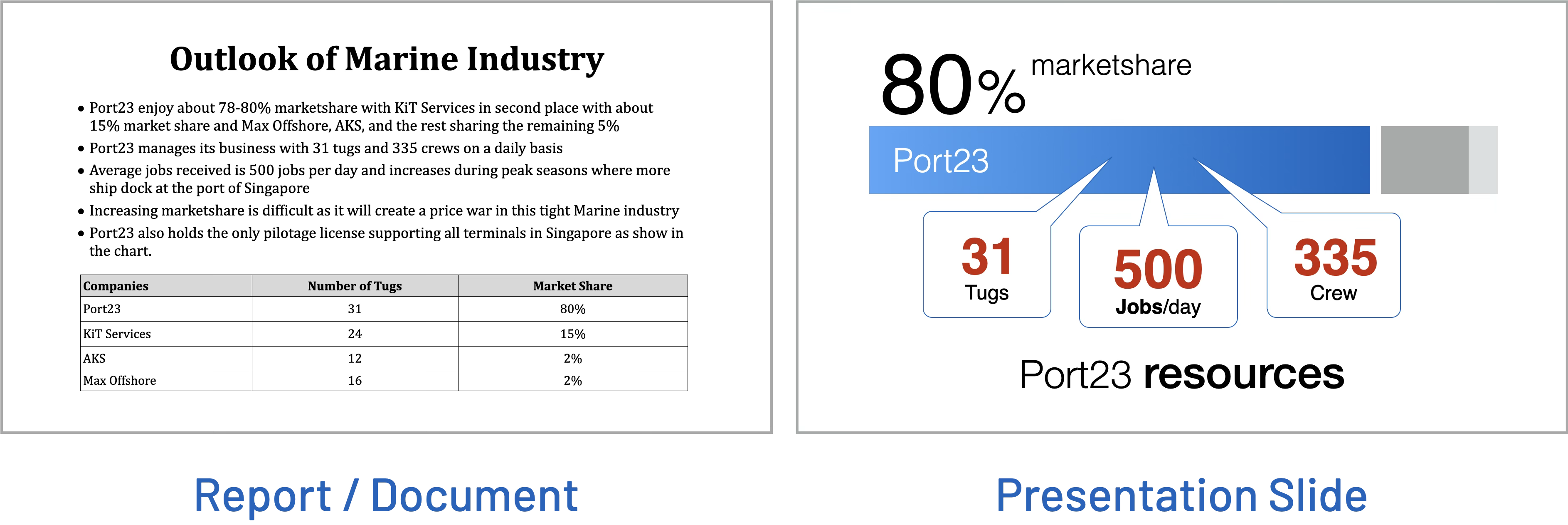
The presentation version on the right shows that the presenter or designer has already selected the important information, reduced it to the key message, organised it visually and made the important elements easier to see.
Simplifying a slide does not mean removing the thinking. It means the presenter does more of the thinking before the presentation so the audience has less work to do during it.
5 steps from READing to SEEing
- Step 1 — Define the purpose. Before editing the information, ask: What does the audience need to understand from this information? The starting question is not simply “What information do I have?” but “Why am I showing it?”
- Step 2 — Break the information into meaningful groups. Identify the main categories, ideas, findings or stages. Grouping prevents a large block of information from being treated as one indivisible mass.
- Step 3 — Remove what does not support the purpose. Information that is not necessary for the audience to understand the main message does not have to appear on the presentation slide. It can remain in supporting material.
- Step 4 — Identify the message for each slide. Ask: What should the audience understand from this slide? That message may become the slide title, central statement or dominant visual idea.
- Step 5 — Choose the clearest visual form. Different information calls for different visual treatment. Use aligned groups or a chart for comparison, a sequence for a process, a chart for a trend, a diagram for a relationship, a large number for an important figure, a photograph for a physical subject or prominent text for a short key message. Choose the form according to the message rather than forcing every idea into the same layout.
Where does all the detail go?
“But all this information is important.” Simplifying the presentation slide does not mean deleting useful detail. It can remain in an accompanying report, appendix, speaker notes, supporting handouts or follow-up material. The presentation slide and detailed document can work together, with each doing a different job.
Design for how the information will be consumed
If the audience has to stop listening and spend time reading before they can understand the point, the slide may be functioning more like a document than a presentation visual. Detailed information still has a place in reports, appendices and supporting material, but when presenting live, the slide should support what the presenter is saying.
Put yourself in the shoes of the audience. Would you prefer to SEE or READ?


